In this article, I have listed and shared 5 Best AI Automation Tools for Business Workflow.
Ai Automation Tools for Business are no longer optional; they are the shortcut between busy teams and consistent growth.
If you want to eliminate repetitive tasks, manage clients and teams without constant firefighting, and scale operations without hiring a swarm of new hires, these five tools deserve a spot in your toolkit.
5 Best AI Workflow Automation Tools of 2025
1. Albato – Ai Tool for Workflow Automation
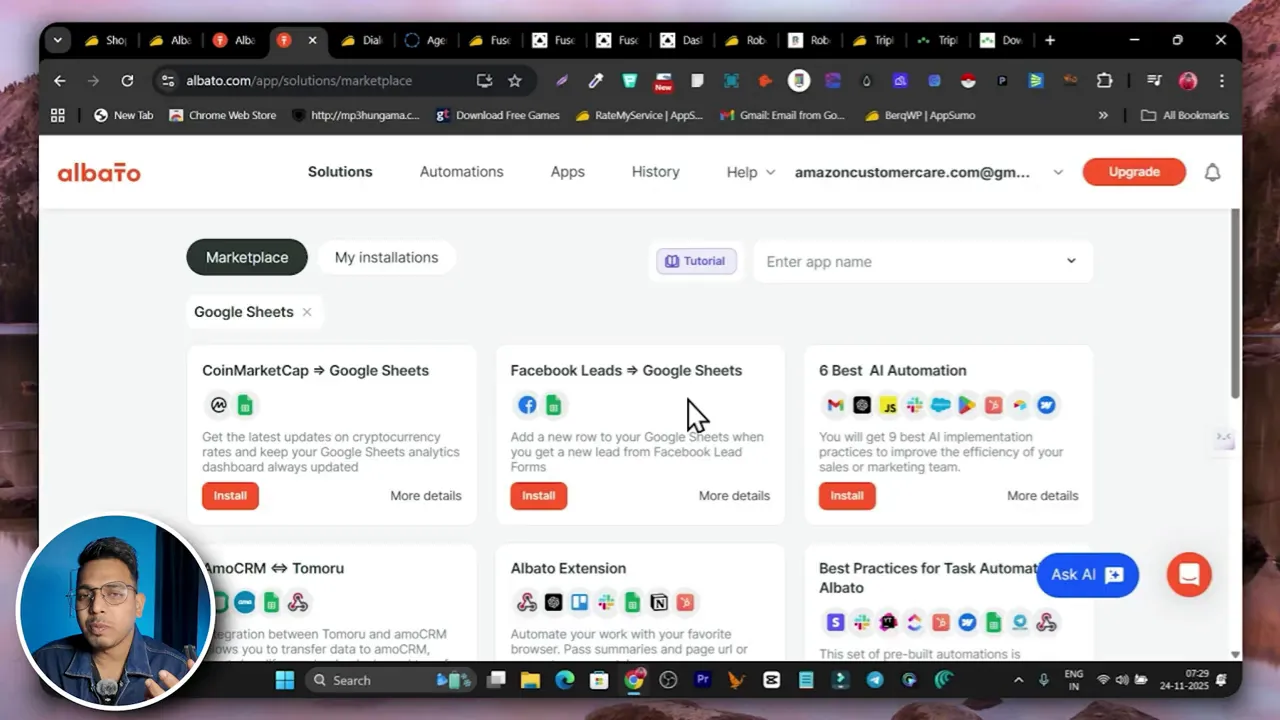
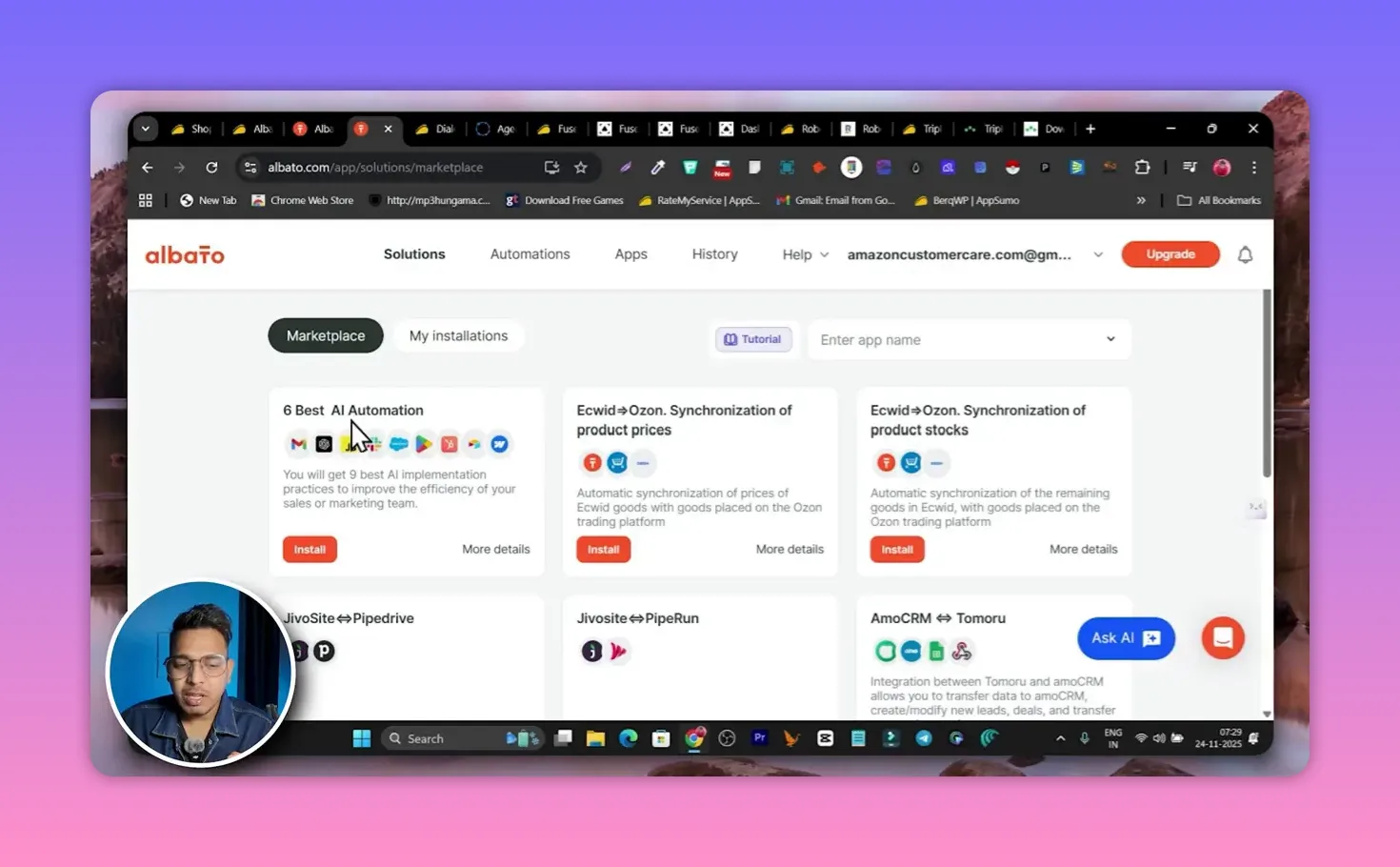
Albato is built for people who want to connect apps and move data using AI without writing a single line of code. Think of it as the glue between your marketing systems, CRMs, ad platforms, and spreadsheets, enhancing your overall business workflows. You can chain one, two, or many apps together into robust workflows that trigger automatically, utilizing an automation platform.
Why Albato stands out for Ai Automation Tools for Business:
- Rich template library — The marketplace ships with hundreds of ready-to-install automations. Install in one click, connect accounts, and automate your business processes with the best AI automation tools.
- Multi-app flows — Build complex chains that move data across seven or eight services in a single automation.
- Control over operation frequency is essential for optimizing advanced AI processes. — Tiered plans give higher operations per month and tighter automation intervals for business process efficiency.
A typical use case is syncing paid ad leads to your CRM and Google Sheets while simultaneously notifying your sales team in Slack. Albato handles that without custom middleware, making it one of the top AI solutions.
Pricing:Llifetime deals around $89 were available during the Black Friday Consider integrating search tools into your workflow for better data retrieval and organization. For teams that run dozens of automations, the ROI from saved time and fewer mistakes is clear, especially when using powerful AI tools.
2. Dialora — AI agent for calling 

Dialora brings voice automation into the center of customer outreach. It creates AI calling agents that can place outbound calls, handle incoming calls, and even book appointments. If cold outreach or follow-up calls consume hours of your week, Dialora is a practical tool to offload those tasks.
How it works for AI automation tools for business: it integrates AI to enhance productivity and streamline workflows, making business apps more effective.
- Create an AI app for business automation to harness the best tools available in the market. — Assign a virtual phone number to a custom AI agent and train it using website content, PDFs, or copied text.
- Launch campaigns using powerful AI to enhance engagement. — Upload contacts, choose the agent voice, and the AI assistant starts calling leads on your list automatically.
- Realistic voice options are essential AI features for effective communication. — Agents use human-like voiceovers and scripts that sound natural when talking to prospects, enhancing the AI features.
I tested a demo setup and received a live call that used a warm, scripted greeting — effective for qualification calls and appointment booking. Dialora can reduce repetitive dialing while maintaining a consistent outreach approach with the help of AI and automation tools in 2025.
Pricing snapshot: entry lifetime deals started around $59, including a virtual phone number. For many small agencies and freelancers, that single purchase can replace hours of manual calling and reduce lead leakage.
3. Fusebase — Client portals, knowledge bases, and automation in one place
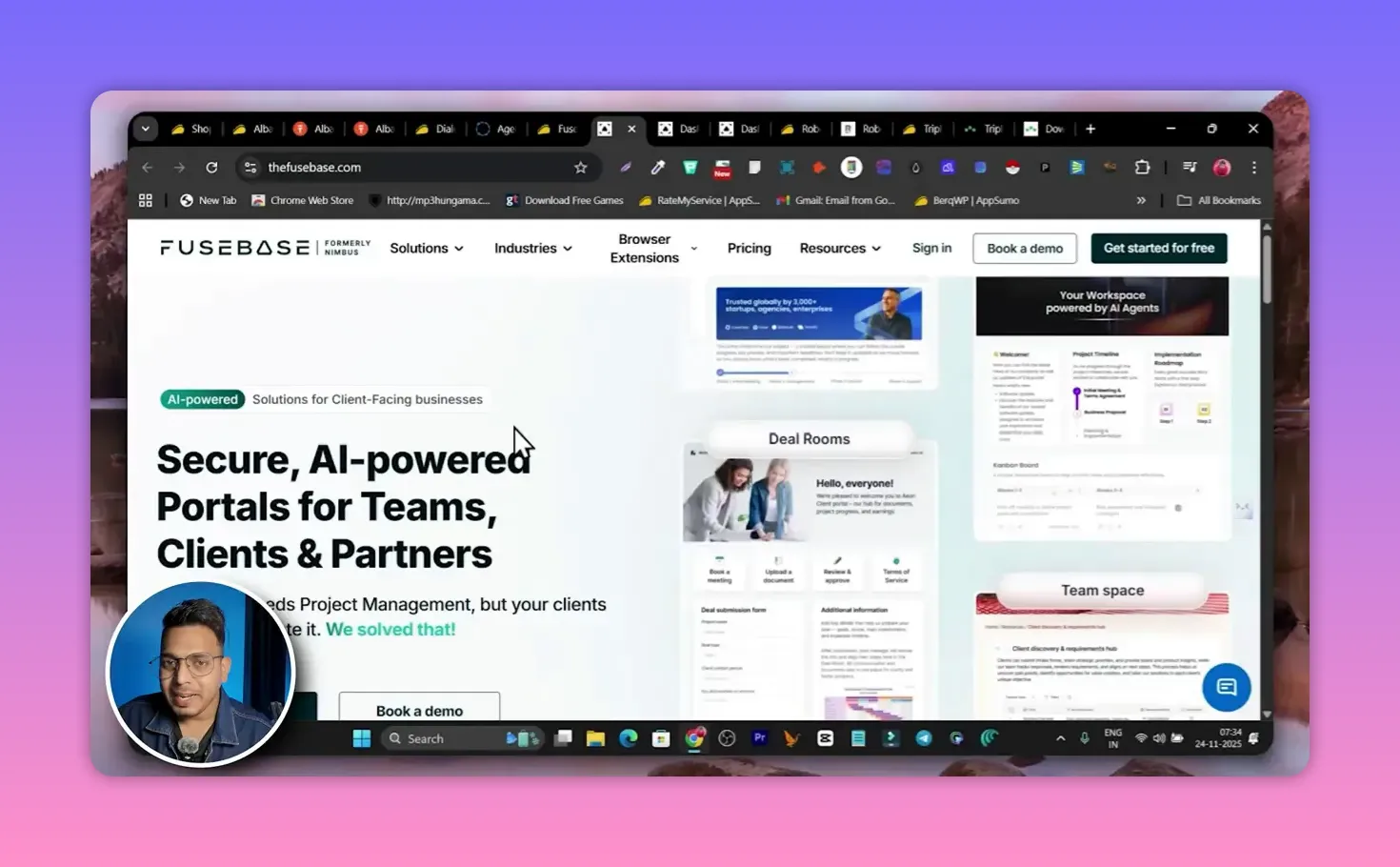
Fusebase is aimed at agencies and service businesses that want to bring client management, onboarding, and internal ops into a single branded space. It combines portals, workflow automation, and AI agents into customizable workspaces.
What makes Fusebase a reliable pick among Ai Automation Tools for Business:
- Branded client portals can be enhanced with AI automation workflow capabilities for better user experience. — Create white-labeled spaces for clients and partners to review deliverables, access resources, and track progress.
- AI agents and knowledge bases — Train agents on client docs or websites to automate routine Q&A and basic support.
- Workflow building is made easier with drag-and-drop workflow builder tools that streamline the process. — Automate content analysis, content generation, and manual task handoffs within a single workspace.
Onboarding is straightforward: choose workspace type, set a visual style, and Fusebase scaffolds a portal for your needs. Portals adapt by niche, so a marketing agency gets a different template than a SaaS onboarding team.
Pricing note: lifetime deals around automation platforms are available. $79 made Fusebase an attractive option to replace multiple billing services and miscellaneous tools. For agencies, consolidating client communication into a portal is a major productivity win.
4. Robomotion — Ai automation for repetitive desktop tasks
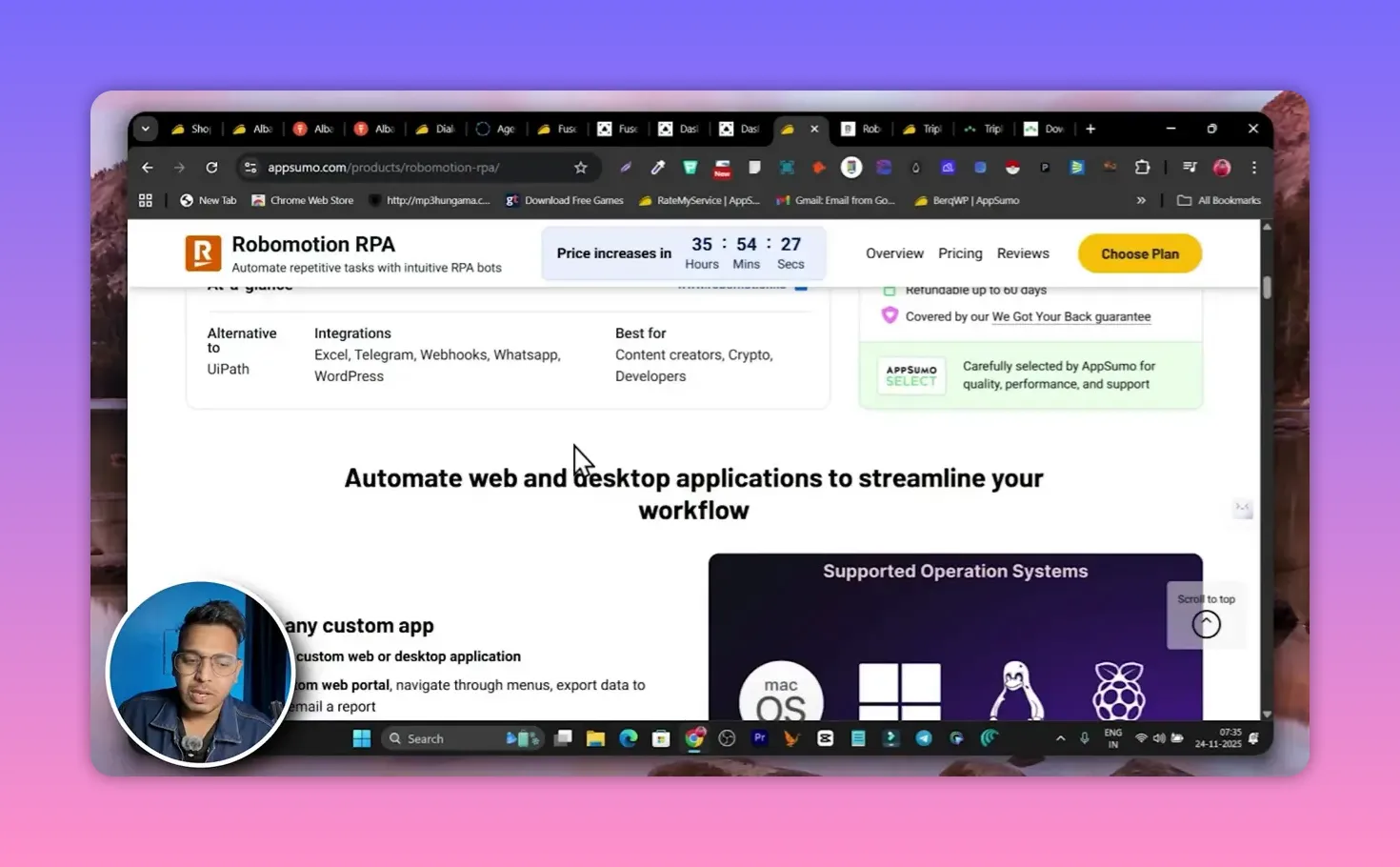
Robomotion is the heavyweight when it comes to Robotic Process Automation. It automates desktop workflows, web scraping, data entry, and repetitive sequences across Windows, Mac, Linux, and even utilizing advanced AI for better accuracy. Raspberry Pi.
Why Robomotion matters for Ai Automation Tools for Business:
- Cross-platform RPA — Run scripts and agents on a variety of environments, from local desktop to servers, using traditional automation methods.
- Agent marketplace for discovering and building AI solutions tailored to your business needs. — Prebuilt agents for common tasks save time and leverage agentic AI for efficiency. Import templates, tweak them, and deploy.
- Designer interface for top AI applications. — Build custom agents with a visual designer and combine web hooks and AI-driven steps.
Robomotion is ideal when browser-based integrations are not enough to meet advanced AI business needs. Use it to automate legacy systems, move data between internal tools, and eliminate manual copy-paste labor with the help of productivity tools. Recent updates added AI agents that expand what RPA can do without extra engineering.
Pricing comment: the lifetime deal was a bit pricier compared to selected the best AI options available. $100) but worth it if you replace full-time manual operators or eliminate expensive engineering time.
5. Triplo — Workflow builder that lives on any page
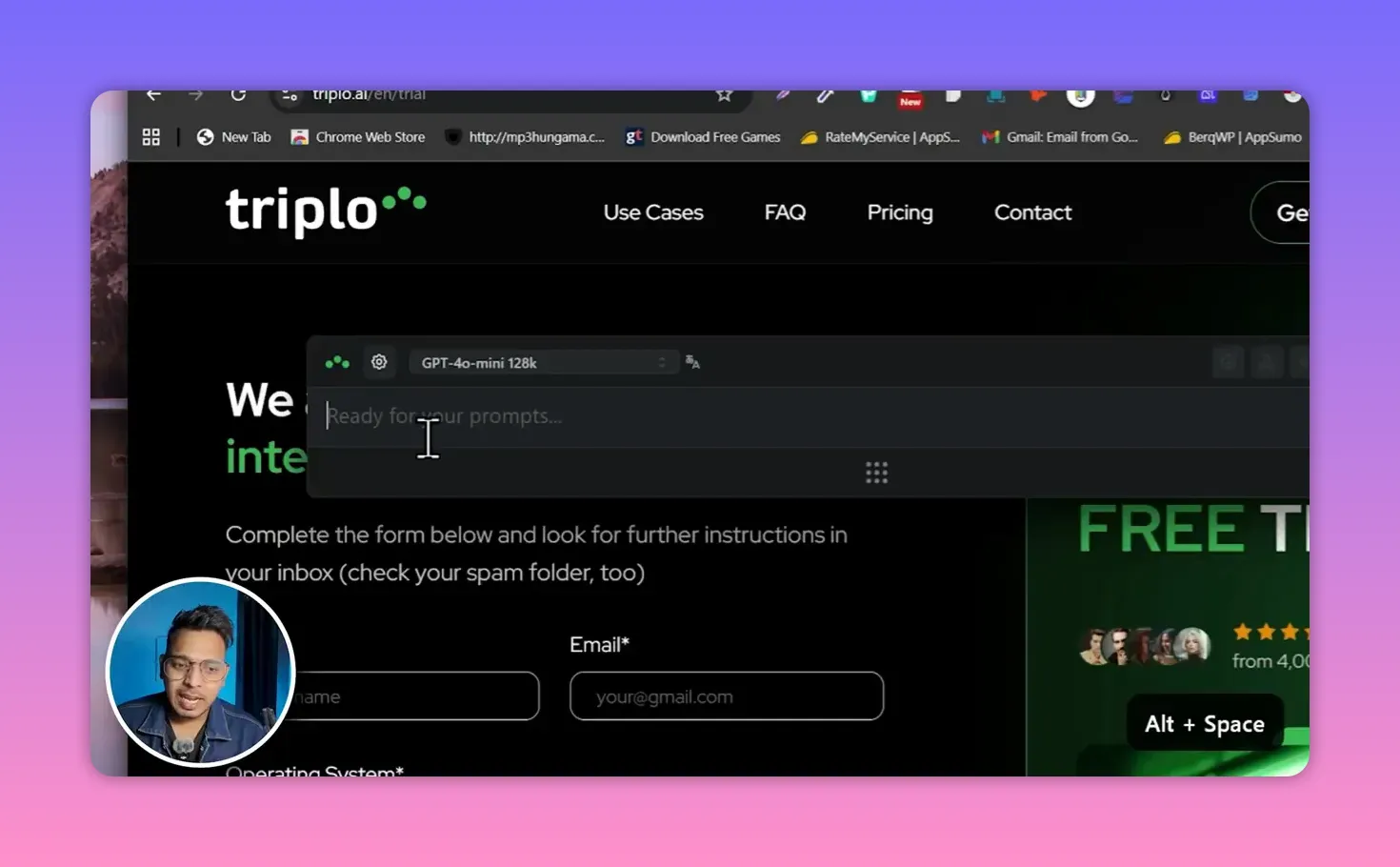
Triplo This tool is a flexible assistant that works on any website and across devices, leveraging AI for better performance. Rather than being limited to one workspace, Triplo places an AI overlay on web pages so you can extract tables, summarize content, and kick off workflows from the page you are on.
Triplo’s strengths for Ai Automation Tools for Business:
- Universal compatibility is key for tools like Zapier, ensuring seamless integration across different platforms. — Runs on Windows, Mac, Chrome OS, iOS, Android, and Linux, making it one of the best AI tools for cross-platform automation. Use it on any website to improve business automation with the help of advanced AI.
- Hotkey-driven productivity — Press a hotkey to summon the assistant and ask for summaries, data extraction, or workflow generation.
- Model choices — Pick popular AI models inside the tool for different tasks depending on cost and quality needs.
Use Triplo when you need quick data from a live page or want to prototype an automation from context. For research, outreach personalization, and content harvesting, Triplo removes the friction of switching tools.
Pricing highlight: lifetime deals started from about video tools for enhancing presentations. $59Using AI capabilities, it makes it an inexpensive way to significantly boost daily productivity through selected the best AI methods.
How to pick the right Ai Automation Tools for Business for your stack
Choosing tools is less about the trendiest name and more about fitting a specific need. Here is a simple decision guide:
- If you need broad app integrations: Start with Albato to replace Zapier or Make for complex cross-app flows in business automation using a drag-and-drop workflow builder.
- If phone outreach or booking is blocking growth, consider using AI capabilities to optimize these processes. Dialora is the voice-based automation you want.
- If you run an agency with many clients, consider using automation tools to help streamline your business workflows. Fusebase centralizes onboarding, docs, and client portals, making it one of the best tools for streamlining processes.
- If repetitive desktop tasks still haunt your team: Robomotion automates deep system-level workflows.
- If you want quick, on-page AI tools for business needs, consider using the best AI tools available today. Triplo gives instant context-aware automation without jumping between apps, showcasing the power of AI in task automation.
Mix and match. An agency might use Fusebase as the client portal, Albato for inter-app automation, Dialora for outreach, and Triplo for rapid content work. That combination covers onboarding, lead generation, and daily execution.
Practical automation examples you can deploy using these ai automation tools
- Lead triage is more efficient with the power of AI, ensuring better prioritization of tasks. When a new ad lead comes in, Albato copies the contact to your CRM, adds them to a Dialora campaign, and notifies the account owner on Slack.
- Client onboarding portal: Auto-create a Fusebase workspace when a new client pays, add onboarding checklists, and assign tasks to the project manager.
- Invoice reconciliation can be simplified with automation tools that help to manage financial business workflows. Use Robomotion to scrape payment confirmations from emails and update your accounting sheet automatically.
- Research and outreach: Use Triplo on a prospect page to extract key facts, then generate a personalized outreach template and push it to your email tool.
Where to find lifetime ai autmation deals and further reading
For anyone hunting lifetime deals and Black Friday bundles of AI and automation tools, curated lists make the search painless. Check these pages for curated AppSumo and lifetime deal roundups and related tool reviews:
AppSumo Black Friday deals roundup: https://saas-guru.info/appsumo-black-friday-deals/ featuring the best AI automation tools.
Best AppSumo lifetime deals for AI tools for business: https://saas-guru.info/best-appsumo-lifetime-deals/
Best SaaS lifetime deals and top picks: https://saas-guru.info/best-saas-lifetime-deals/
Black Friday SaaS deals collection featuring top automation platform options and video tools: https://saas-guru.info/best-black-friday-saas-deals/.
Tips to get the most from Ai Automation Tools for Business
- Start with a single, high-impact workflow. Automating one repeatable task and measuring time saved is better than automating ten half-baked processes with the best AI automation workflow tools.
- Train agents with your best content. Dialora and Fusebase perform much better when fed clean website pages, FAQs, or product one-pagers.
- Use templates then refine to enhance task automation with tools like Zapier. Import marketplace templates (Albato, Robomotion) and customize — it is faster than building from scratch.
- Monitor and iterate. Schedule audits of automations to catch edge cases and avoid sending bad data downstream.
- Consolidate where possible. Tools that combine portals, automation, and AI can reduce the number of billable subscriptions and administrative overhead.
Common automation pitfalls and how to avoid them
Automation can save hundreds of hours, but it can also amplify mistakes if built carelessly, especially when using productivity tools that integrate AI capabilities. Watch for these pitfalls:
- Over-automation: Not every task should be automated; however, utilizing workflow tools can improve efficiency. Keep human review for revenue-impacting decisions.
- Bad source data can undermine the effectiveness of AI-powered tools. Train agents on curated content. Poor data leads to poor responses.
- Hidden costs: Operation limits and interval speeds matter. Choose plans that match your throughput.
- Security gaps: Review access rights and connectors. Automations that move sensitive data need strict controls to ensure relevance AI compliance.
FAQ – Best Ai Workflow Business Automation Tools
What are Ai Automation Tools for Business and why should I invest?
Ai Automation Tools for Business are software solutions that use automation and artificial intelligence to remove repetitive work, connect apps, and scale processes. Investing in them saves time, reduces errors, and frees teams to focus on high-value work like strategy and growth.
Which tool should I start with if I use many different apps?
Start with an integration platform like Albato. It lets you connect hundreds of apps, build multi-step workflows, and use marketplace templates to move data between systems without coding.
Can AI calling agents replace my sales team?
AI calling agents are excellent at qualification, follow-ups, and booking appointments, making them invaluable tools for business apps. They reduce repetitive dialing and increase touch frequency. For complex negotiations and relationship building, human reps remain crucial.
Are lifetime deals worth it for Ai Automation Tools for Business?
Lifetime deals can be a great cost saver, especially for startups and agencies. Evaluate feature limits, operation quotas, and long-term support before buying. Curated pages like https://saas-guru.info/best-appsumo-lifetime-deals/ and https://saas-guru.info/appsumo-black-friday-deals/ help compare deals quickly.
How do I ensure my automations are secure?
Use Least-privilege credentials are important for security in any business automation system.Audit connector permissions, log automation runs, and test workflows in staging environments to ensure the best tools are functioning optimally. For sensitive data, add manual approval steps rather than fully automated handoffs.
Can I combine multiple tools in one stack?
Yes. A common stack combines a portal provider (Fusebase) for client touchpoints, an integration hub (Albato) for data movement, a voice agent (Dialora) for calls, and RPA (Robomotion) for legacy or desktop tasks. Use on-page assistants like Triplo, which are AI-powered tools, for ad-hoc work.
Where can I learn more about other deals and related tools?
A few curated resources for integrating AI into your workflows: explore options for task automation and free trials.
Best SaaS lifetime deals: https://saas-guru.info/best-saas-lifetime-deals/
Black Friday and AppSumo deals: https://saas-guru.info/best-black-friday-saas-deals/ featuring powerful AI solutions.